








Visibility Into
Every Project,
Team and Margin
Real-time reporting that turns hours, budgets and resources into decisions you can act on.
Trusted by project-driven teams in Europe
Know Where Every Project Stands
TimeLog connects your project, time, and financial data to a single reporting layer. This makes it easier for every team to get accurate and current data to make the right decisions. Project teams catch risks early enough to act, while finance teams see the profitability of the business in real time.
0%
Higher gross margins
0
Days saved on monthly financial reporting
0%
Operating profit lift
Reporting Built for Decisions, Not Just Data
Stay in Control of
Project Performance
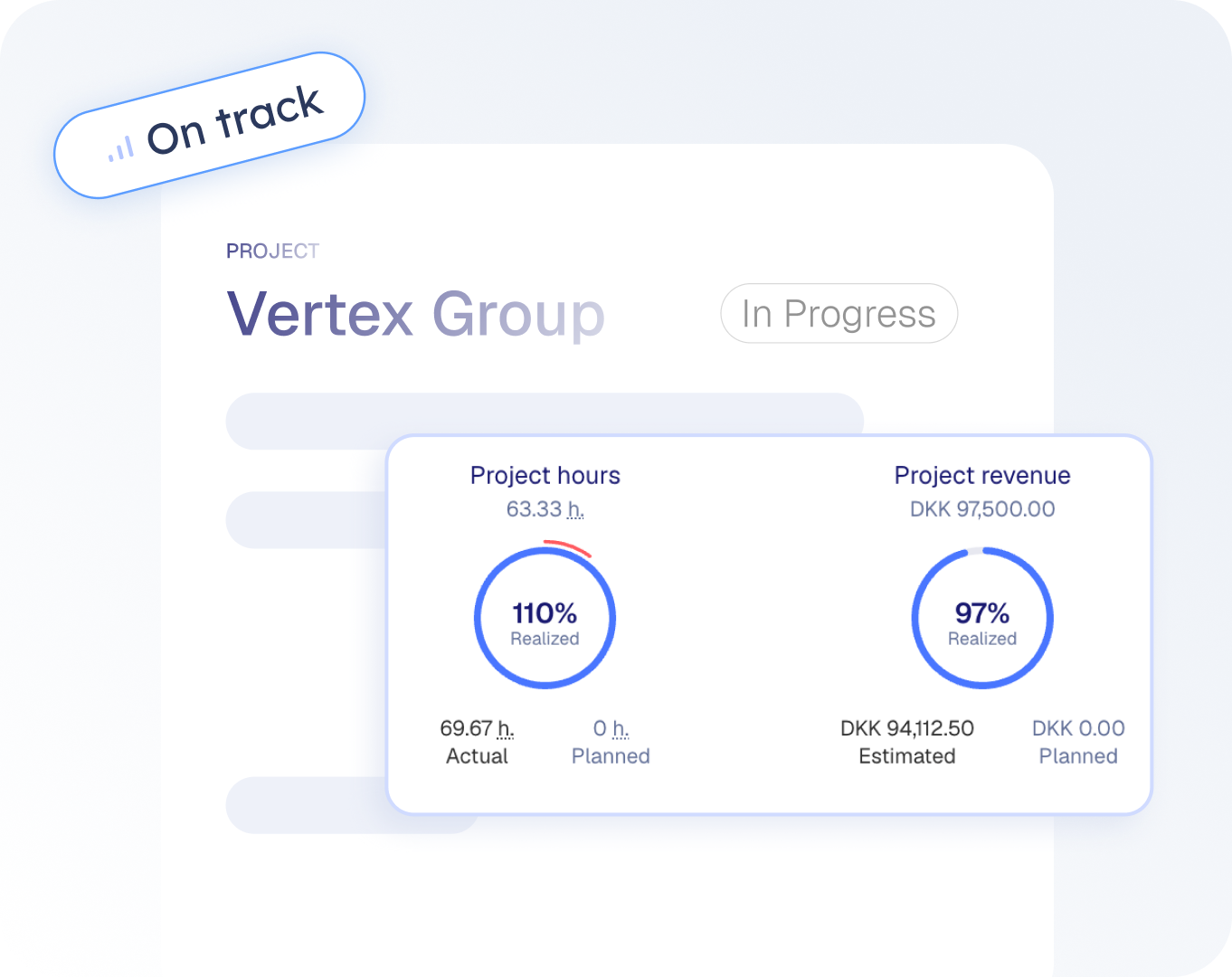
The best time to act on a project is while the work is still in motion. TimeLog shows you how every project is performing as it is being delivered, with work in progress and earned revenue visible inside the project itself. Teams now make decisions with enough time to shape the outcome.
Run the Business From One
Set of Numbers
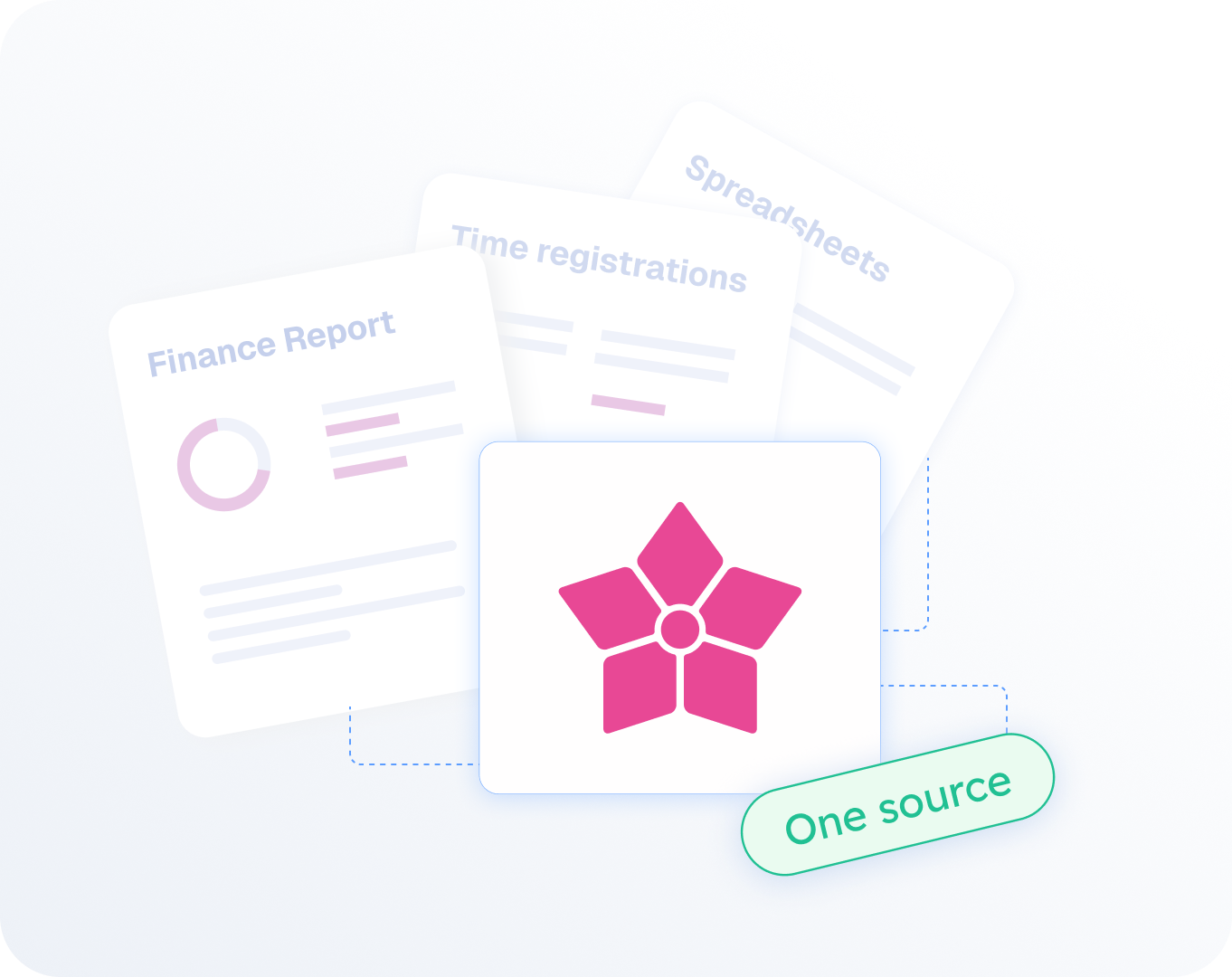
Spreadsheets, system exports, and finance reports rarely tell the same story. With TimeLog, every report draws from the same project data, so contribution margin and performance are calculated consistently across the business. Leadership trusts the picture, and the conversation moves from questioning the data to acting on it.
Plan the Quarter Ahead
With Confidence
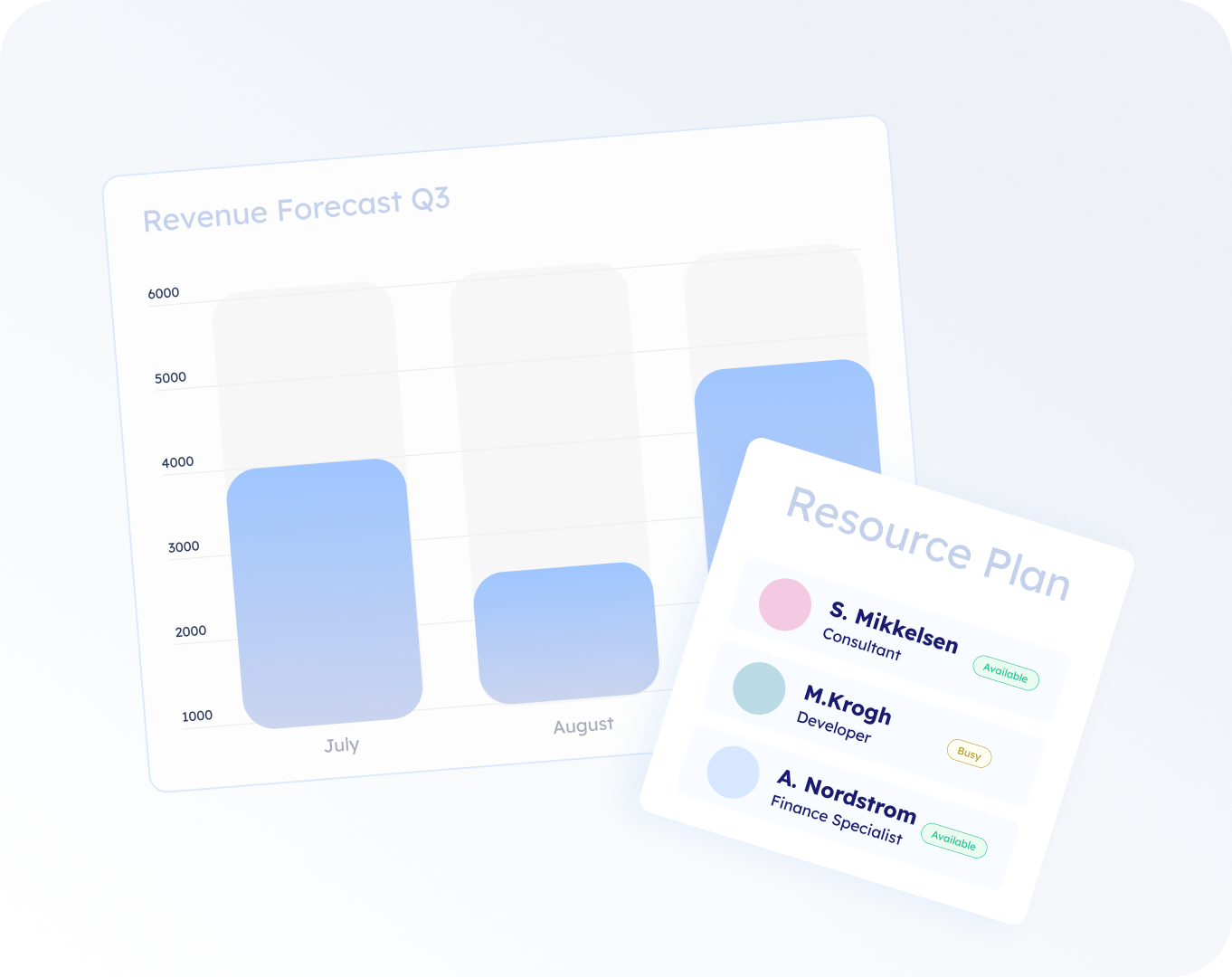
A forecast is only as good as the work it is built on. TimeLog builds your revenue forecast from the projects your team is already planned to deliver, updated every time the resource plan changes. Leadership sees what the next quarter is set to deliver and makes growth and pricing calls on real bookings, not on assumption.
Reporting For Every Role at Every Level
Project Teams
Deliver more projects on time and on budget, with full visibility into every plan.
Learn More


Management Teams
See which project types and clients drive the most profit, and where to invest next.
Learn More


Reporting Built for How Projects Work
Standard Reports
Ready-made reports across time, projects, and finance
Contribution Margin Analysis
Real margin by project, employee and type from live cost & billing data
Budget vs Actuals
Compare budget, allocated, and registered hours on every project
Revenue Forecast
Expected revenue drawn straight from your live resource plan
Revenue Recognition
WIP and earned revenue, tracked as the project runs
Open API & BI Tools
Bring TimeLog data into Power BI, Tableau, or any tool you already use
Proof That Project Visibility Drives Business Success
![]()
"Timelog is a very flexible system and we are able to manage and invoice even the most complicated projects in a timely manner."
Birgit O.
Role: PMO
Industry: IT& Services

![]()
"Timelog is easy to use and gives me insights into hours spend on "my" projects and customers... the process from registration to invoice and payment is handled smoothly with integration to Economics. "
Allan L.
Role: Senior Business Advisor
![]()
"Timelog does a great job in managing projects, employee tracking, resource allocation all in one software."
Role: Physician Assistant
Industry: Health, Wellness and Fitness
![]()
"The Timelog system supplies a wide variety of usage possibilites... I highly recommend it to any that sells billable hours and wish do so efficiently."
Ebbe S.
Role: Local CFO
Industry: Computer software
![]()
"Favorite time and project management solution! Timelog makes our project registration and management efficient."
Christian V.
Role: Managing Consultant
![]()
"The app works great for time tracking project by project. Easy to deploy to new users. Great and fast customer support. "
Mikkel N.
Role: Sr. Partner
Industry: Pharmaceuticals

Visibility Into
Every Project,
Team and Margin
Start your journey with TimeLog
Request your free trial and our team will help you get started.
Frequently Asked Questions About
Project Reporting and Dashboards
-
What is project reporting software?
Project reporting software turns project data into reports that project-driven businesses rely on for decisions. Unlike generic BI tools, it understands billable hours, contribution margin, utilization, and revenue recognition out of the box. TimeLog is a project financial management platform that builds these reports from the same data your team already logs, so finance, project managers, and leadership all work from a single trusted source.
-
How do you track project profitability in real time?
Real-time project profitability tracking connects costs, hourly rates, and billable hours to every project as the work happens. The contribution margin report shows the difference between project revenue and the true cost of delivery, broken down by employee, project, or project type. TimeLog tracks this live, with write-ups and write-downs visible against budget, so finance and project managers can act on margin issues during the project, not after month-end.
-
How do I monitor project budgets and milestones?
Billable utilization is the share of an employee’s available hours spent on billable work. TimeLog tracks utilization per employee, team, and department, alongside the project types and task types where time is being spent. Management teams use this to understand which teams are most efficient with billable hours, which project types drive profitability, and where time is being lost to non-billable work.
-
How do I measure billable utilization across teams?
Billable utilization is the share of an employee's available hours spent on billable work. TimeLog tracks utilization per employee, team, and department, alongside the project types and task types where time is being spent. Management teams use this to understand which teams are most efficient with billable hours, which project types drive profitability, and where time is being lost to non-billable work.
-
Can I connect TimeLog to Power BI or Tableau?
Yes. TimeLog provides an open API that lets your existing BI tools pull data directly from TimeLog, so the same trusted figures power your dashboards in Power BI, Tableau, or any other BI tool you run. Standard exports to CSV, Excel, Word, and XML are also available for teams that work from spreadsheets, and the API connection means there's no manual re-entry or data reconciliation between systems.
Figures are based on customer-reported outcomes and industry research. Individual results vary by company size, project complexity, and existing processes.
Bliv den bedste leder med indsigt fra TimeLog
De bedste ledere holder hånden på kogepladen, så de kan træffe de bedste beslutninger - og sikre at medarbejderne trives.
TimeLogs rapporter giver dig den viden, du har brug for, til at blive en bedre leder:
- Hvilke forretningsområder er værd at give mere fokus?
- Kører min projektorganisation, eller kæmper vi med at eksekvere?
- Er vores projekter profitable eller skal vi reagere hurtigt?
- Er mine medarbejdere og teams for belastede, eller skal vi tage mere ind?
- Hvor tjener vi pengene? Er der kunder, som trækker os ned?
Produktivitetsrapporter
Følg projekterne og hold dem på sporet
- Se nøgletal for hvert projekt eller hele jeres portefølje
- Budget- og statusrapporter
- Betalingsplaner og betalingsstatus
- Allokeret vs. registreret tid per medarbejder
- Milepæle
Nøgletalsrapporter
Når I jeres forretningsmål, eller skal I handle?
- Få oversigt over kunders, projekters og medarbejderes dækningsbidrag og dækningsgrad
- Overblik over intern og ekstern tidsforbrug
- Faktureringsgrad og fakturérbare timer
- Opskrivning- og nedskrivningsoverblik
- Økonomisk projektperformance
Analyserapporter
Find skjult performance i virksomheden
- Hvordan bruger vi vores tid?
- Hvilke projekttyper er vi profitable på?
- Hvilke opgavetyper dræner vores resourcer?
- Hvilke teams excellerer, og hvilke teams kæmper?