









Top Rated Professional Services Automation Software
Time tracking, approvals and integrations connected, so your data is always accurate.
One Platform, Complete Control
Running operations in a project business means keeping time data, approval flows, and system integrations aligned across a growing team. TimeLog brings all three together in one platform. Registration is fast enough that people do it consistently, approvals match how your business works, and data flows automatically to payroll and finance.
Time
Projects
Revenue
Resources
Headline
Headline
Margins
Insights
Automations
Budgets
Accurate Time Data, Every Period
Flexible Time Registration
Log time from mobile, Outlook, desktop, or stopwatch. Your whole team can easily register time wherever they are working.
Manager Approval Workflow
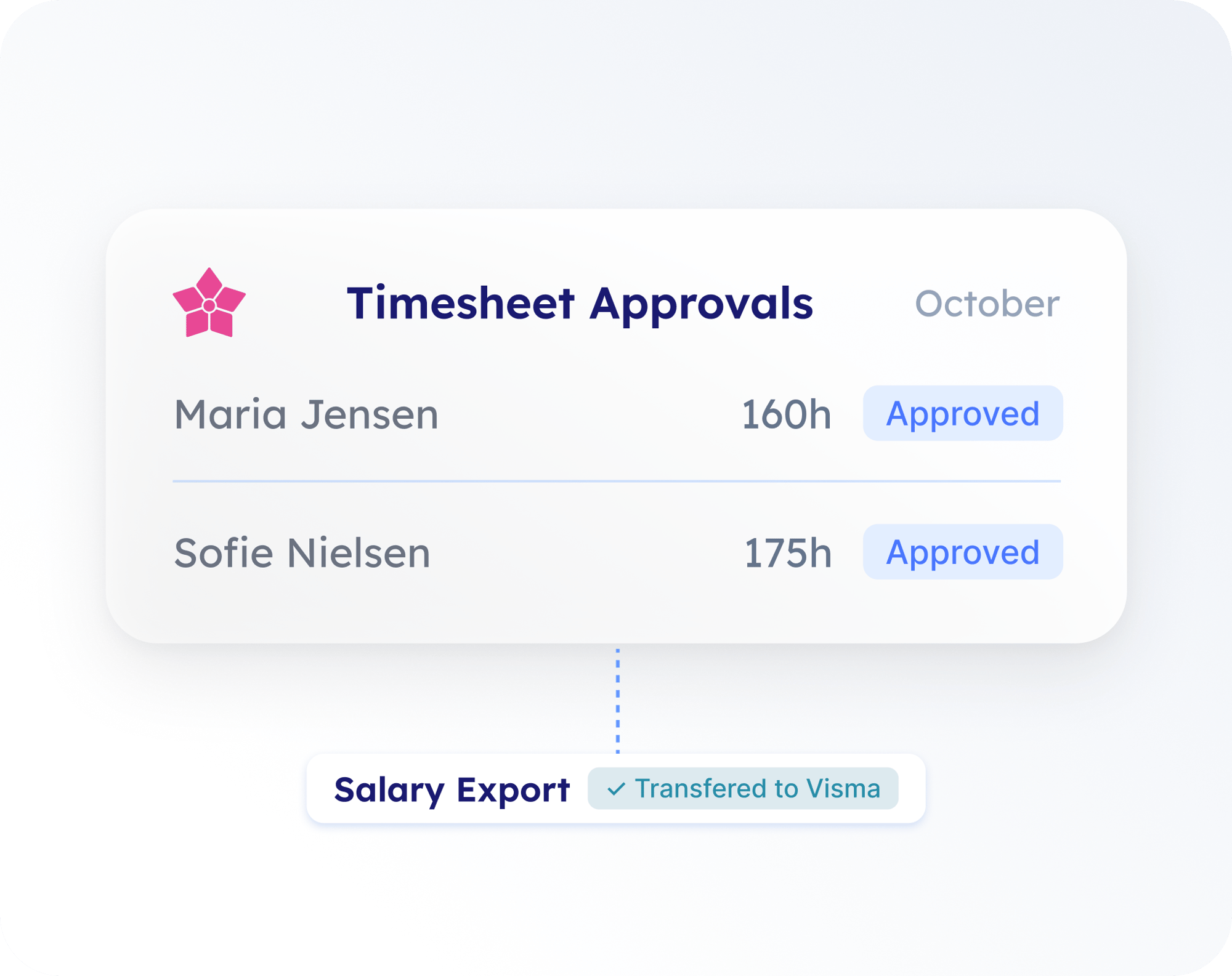
Configure approvals to match how your business operates. Every timesheet is reviewed and signed off before the period closes.
Absence Registration
Holiday, flex, and overtime tracked alongside project hours. Capacity data stays accurate throughout the month.
Payroll Integration
Time, overtime, and absence transfer directly to your payroll system. Enter data once and payroll stays current automatically.
Built for the Way Operations Should Work
Data Every Team Can Trust
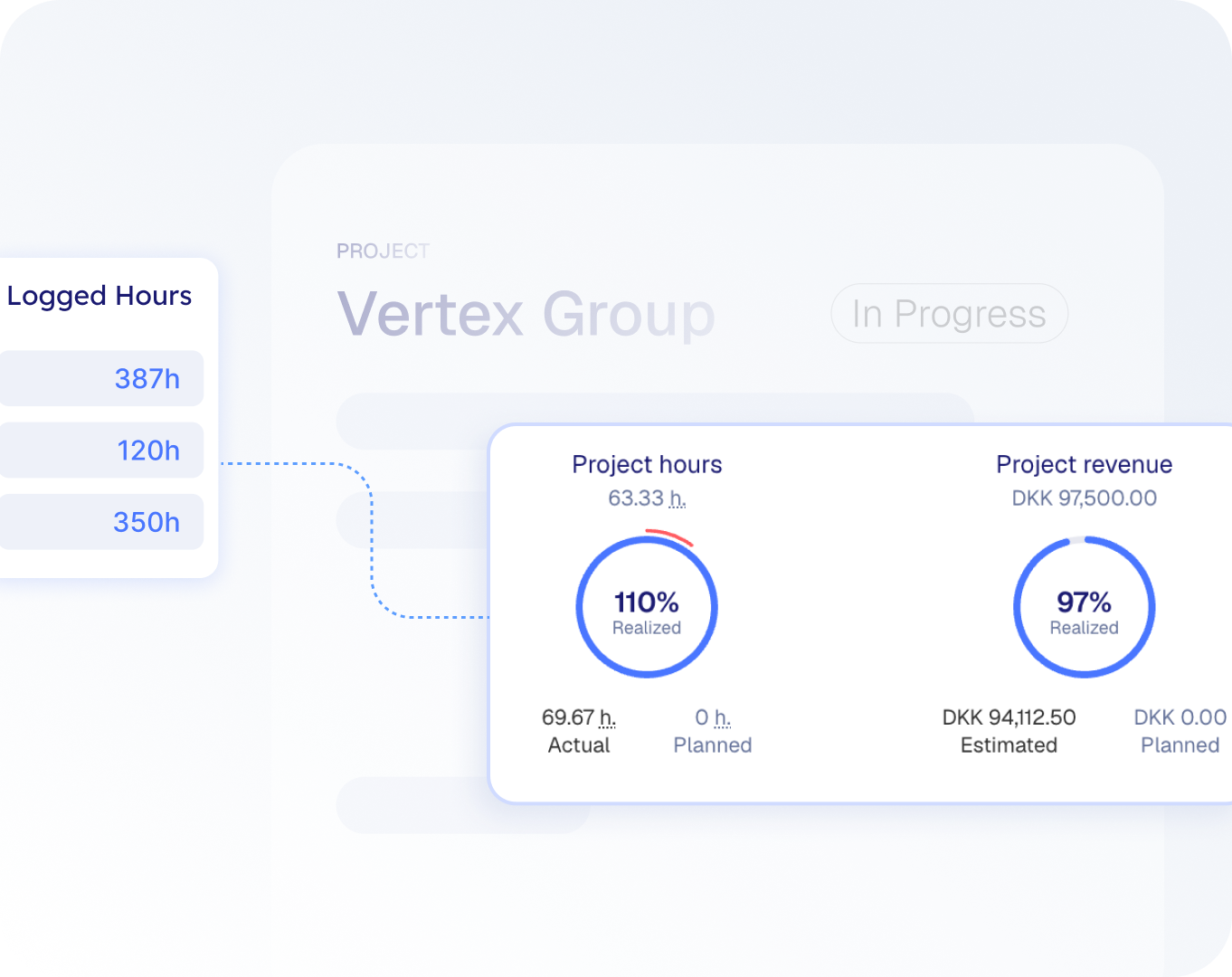
Reliable data starts with consistent registration. TimeLog connects logged hours to project costs, budgets, and financial reporting automatically. Easily deliver trusted numbers across the business with a system built to stay accurate.
Automatic Data Flow to Payroll and Finance
Time, overtime, and absence transfer directly from registration into your payroll and finance systems. The data arrives accurately and on schedule every period. Month-end closes faster because the numbers are already right.
A System That Grows With You
New people, new offices, and new entities are added without rebuilding anything. TimeLog supports more complexity in the same platform your team already knows. The way you work stays consistent while the business scales around it.
Fits Your Setup From Day One
Finance Integrations
Connect to e-conomic, Business Central, Visma, Fortnox & Dataløn
Multi-Entity Support
Time and billing across all your offices and legal entities
Full Audit Trail
Every change is tracked and traceable across the full history
Plans start from €14 per user, per month
Trusted by Operations Teams Across Europe
0%
Less time on manual reporting
0%
Make better-informed decisions
0
Years of operational expertise
Frederik S
CEO, Accounting
Try our Growth Plan for free
See how AI‑powered intelligence improves financial visibility. Request your free 30 day trial today.

Resources to help you run more profitable projects
Project Risk Signals to Watch
A Better Way to Plan Resources
Increase Your Billable Hours
Accurate data, from time registration to reporting.
Start your journey with TimeLog
Request your free trial and our team will help you get started.
Start your journey with TimeLog
Request your free trial and our team will help you get started.
Frequently Asked Questions
-
How do people log time, and how do we get adoption without heavy training?TimeLog offers six registration methods: web, mobile app, Outlook integration, desktop tracker, stopwatch, and automatic tracking. Each person picks the method that fits how they already work, so there is no double entry and no retraining. Mobile also covers expenses and mileage for consultants on client sites.
-
Can we see who is over- or under-booked across teams?
Yes. TimeLog's resource planner shows booked hours against real availability for every team and department. Absence, holiday, and flex are counted in automatically, so capacity data stays accurate as registrations come in and plans change.
-
Does TimeLog support approval flows for time and absence?
Yes. TimeLog supports multi-level approval workflows covering time registration, absence, vacation, and sickness. Managers are notified when timesheets are submitted and approve on their own schedule. Locked periods keep approved data unchanged through to payroll and invoicing.
-
Can we control access by role and department?
Yes. TimeLog uses role-based access control. Permissions are set per role and per department, covering what each person can see, register, approve, and report on. Sensitive data like salary costs is restricted to the roles that need it.
-
Does TimeLog replace our ERP or work with it?
TimeLog works alongside your ERP as the operational layer. Time, project, and billing data is managed in TimeLog and flows into e-conomic, Business Central, Visma, Fortnox, or Dataløn automatically. Your ERP remains the financial system of record.
Figures are based on customer-reported outcomes, including results from TimeLog's 2025 customer survey. Individual results vary by company size, project complexity, and existing processes.